Velour

See your full potential

Try on curated outfits with your own photo, discover styles you wouldn't have picked yourself, and shop the pieces you love.
velour app screens

Try it on, on you

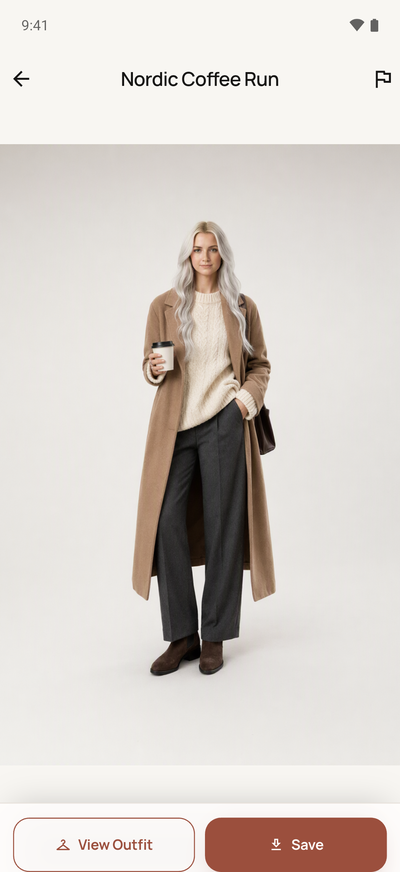
Add one full-body photo and Velour renders any look on you, so you can see a new style before you commit to it.

Looks curated to your taste

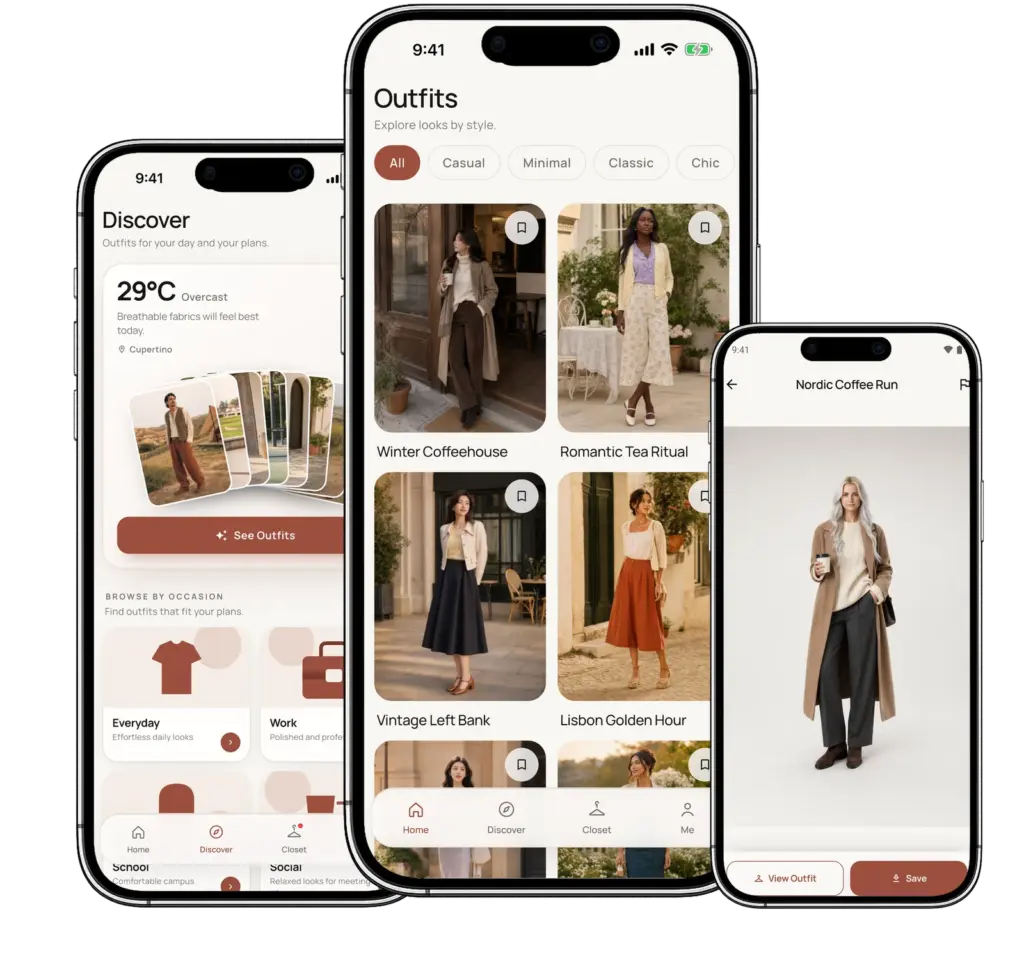
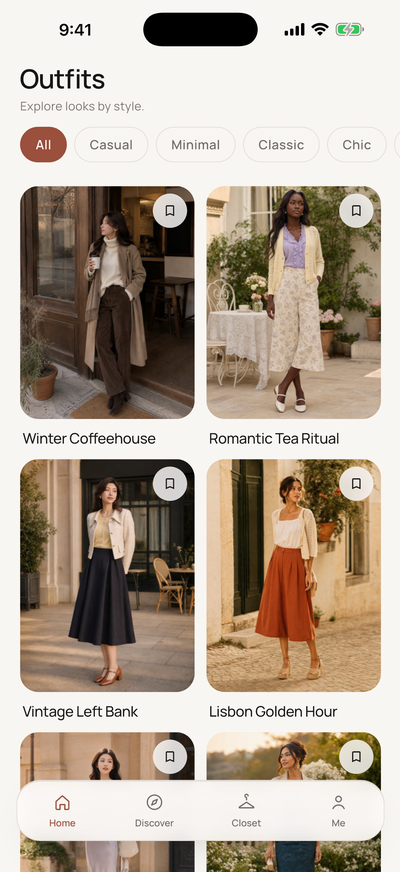
Swipe through a few looks to set your taste, then browse a feed you can filter by style. Discover adds looks for every occasion.

Shop it, save it

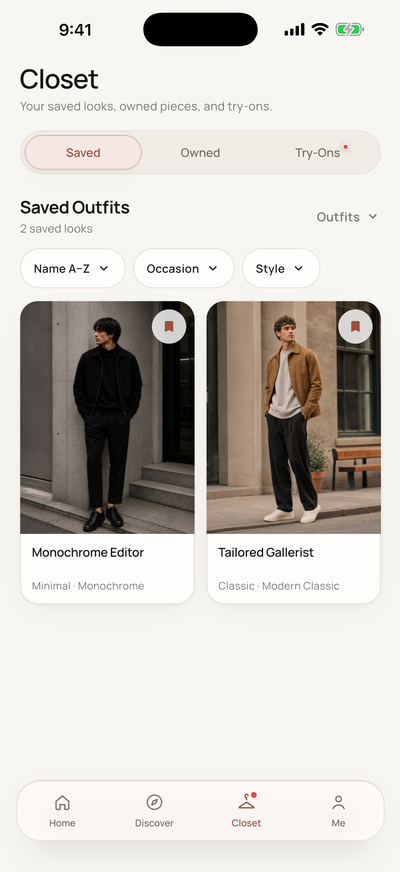
Find similar pieces from real retailers, with prices. Save outfits and items, mark what you already own, and keep every try-on in your Closet.
A quick look inside

Real screens from the app, built for clarity, comfort, and control.

Outfits
by style

velour screen outfits
chatgpt image mar 11 2026 03 01 37 pm

Try it on,
on you

velour screen tryon
chatgpt image mar 11 2026 03 01 37 pm

Your
Closet

velour screen closet
chatgpt image mar 11 2026 03 01 37 pm

Frequently Asked Questions

Quick answers about Velour—fit preview, personalization, and privacy.

Product & Experience

No. You can browse, save, and shop looks without one. A photo is only needed for virtual try-on.

Pick a look, tap Try It On, and choose a front-facing, full-body photo. Velour's AI renders the outfit on you. Results are AI-generated previews, so fit and color may differ slightly from the real garment.

Browsing, saving, and shopping are free. Try-ons use credits: new accounts get 5 free try-ons, every 5th daily check-in earns another, and credit packs never expire.

Yes. You choose which looks to see when you start, and you can change it anytime in Style Preferences.

Privacy & Access

It's used only to render your try-ons. You can delete it anytime from your profile.

Yes, right in the app. Deleting your account removes your photo and try-ons.

Yes. Velour is available now on the App Store (iPhone) and Google Play (Android).